
Withdrawals at Stake
Withdrawals at Stake allow players to transfer winnings from their account to a selected payment method in a secure way. The Stake supports cryptocurrency cashouts, which are processed through blockchain networks, and the same method used for deposit is usually recommended for withdrawal. Before requesting a payout, users should confirm that verification requirements are completed and that wagering conditions, if any, are fulfilled. Processing time depends on the selected method and network confirmation speed.
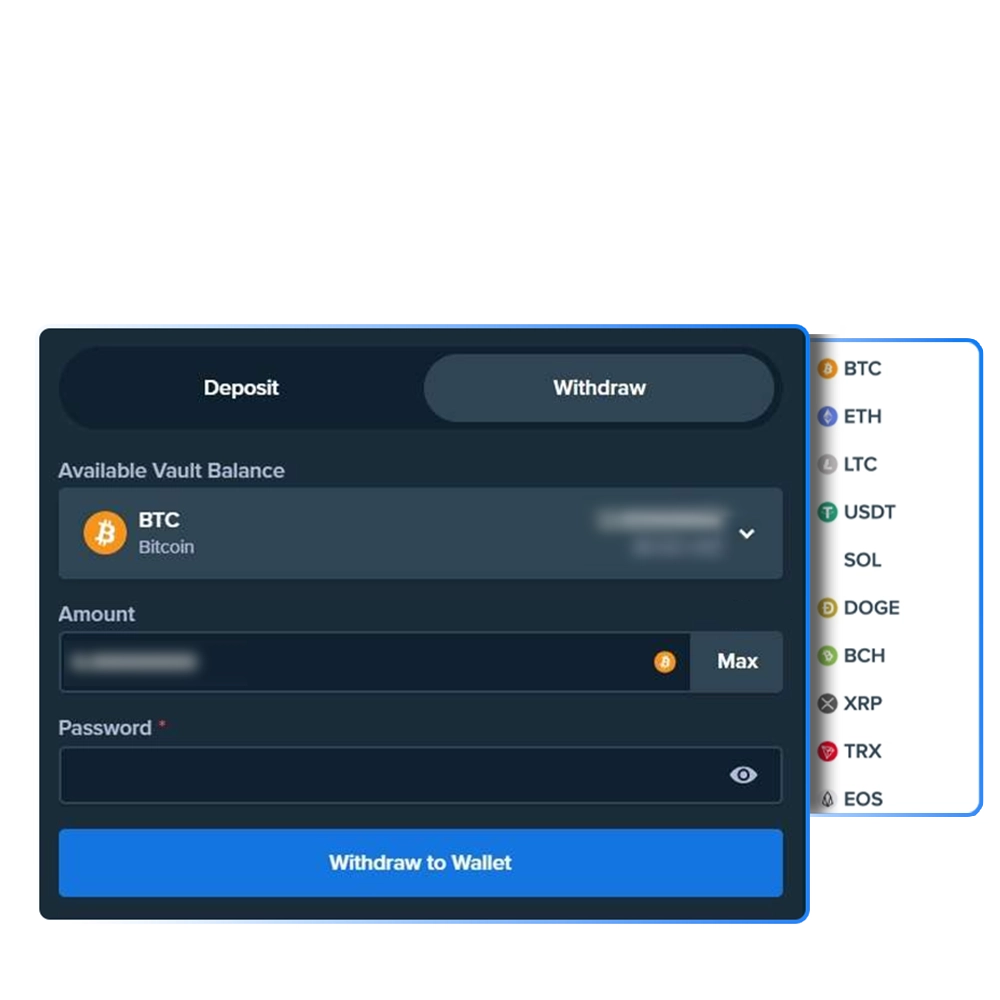
How to Withdraw Money From Stake?
Funds can be withdrawn directly from the Wallet section after logging into your account. The process requires entering the payout amount and confirming bank or crypto details.
Open the Withdraw Section
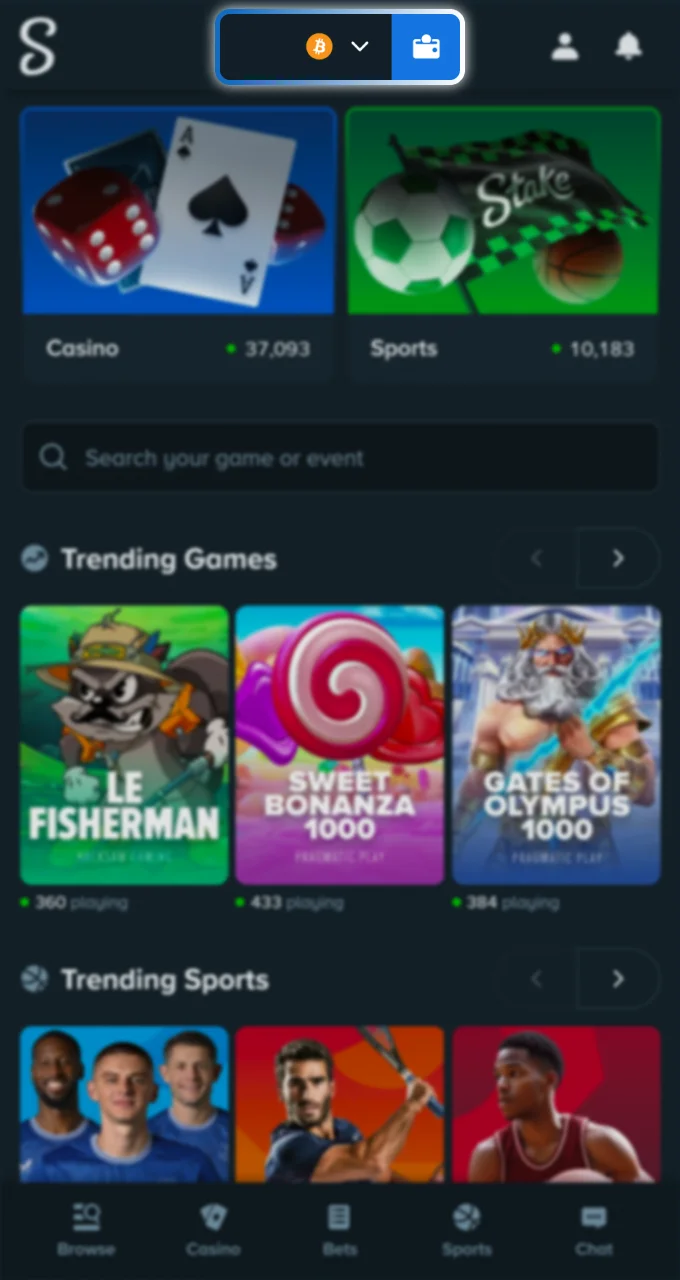
Go to your Stake Wallet and select the Withdraw option. The system will display available withdrawal methods.
Enter the Withdrawal Amount
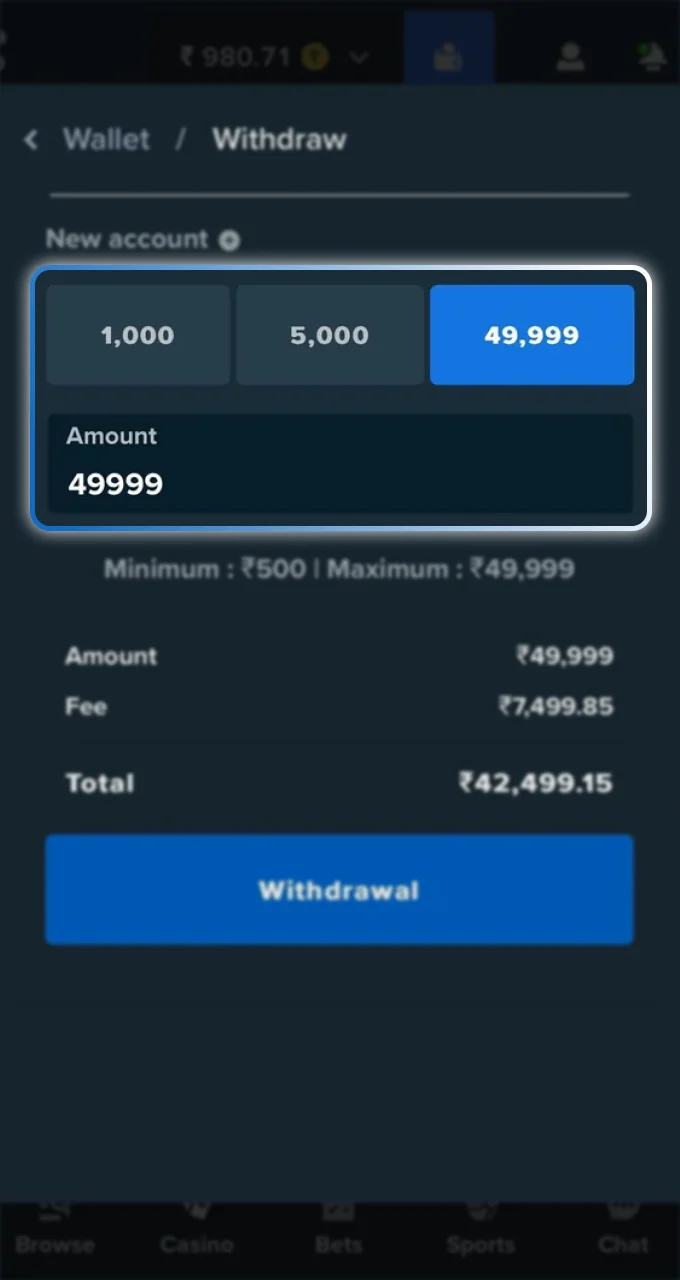
Type the amount you want to transfer. Make sure all wagering requirements are completed before submitting the request.
Provide Bank Details
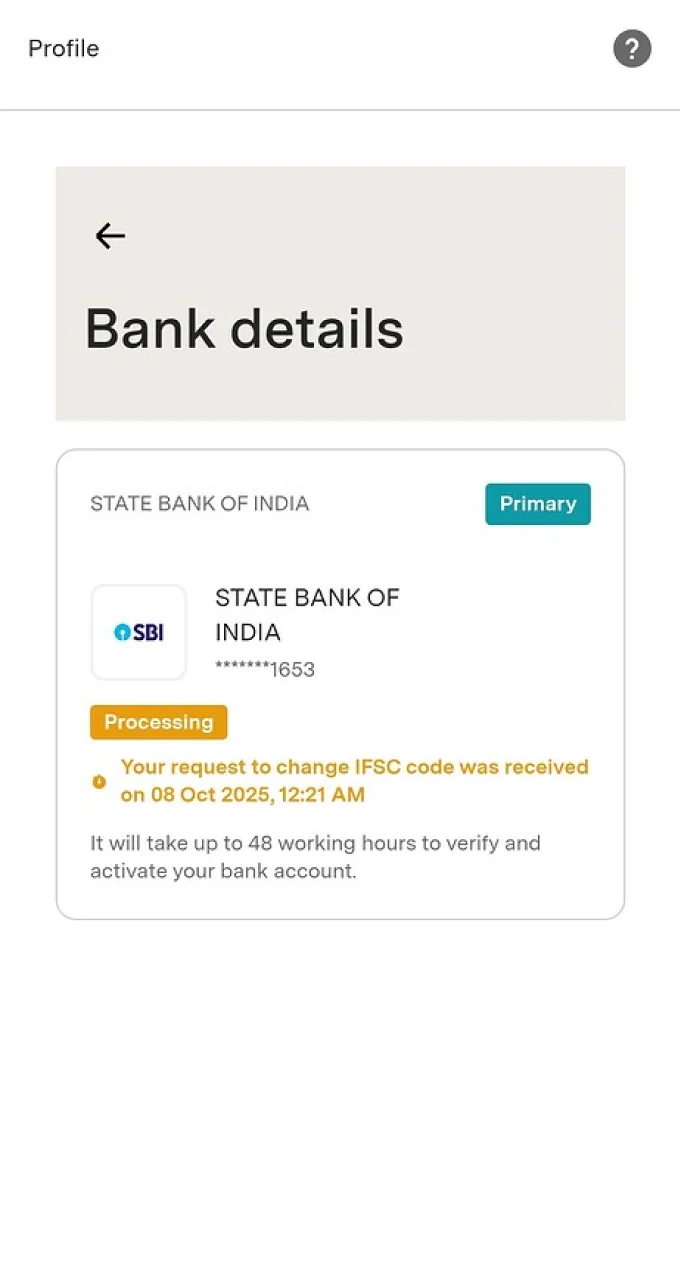
Enter your bank information carefully, including the correct IFSC code for electronic transfers in India. Verification of the IFSC code can be done through your bank’s official website before confirmation.
Confirm the Request
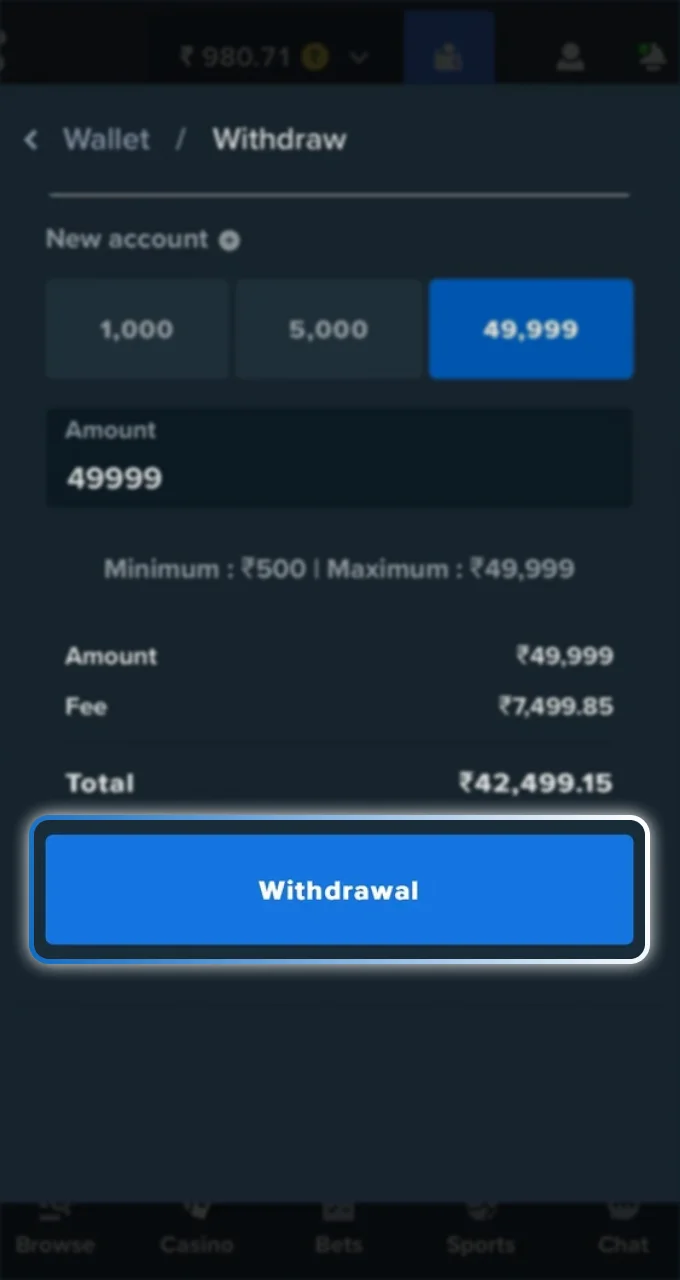
Review all details and submit the process. Stake withdrawal for INR transfers may take up to 3 business days, depending on the bank. If funds do not arrive after 3 business days, contact support and provide the transaction ID and receipt screenshot for assistance.
Crypto Withdrawal Guide
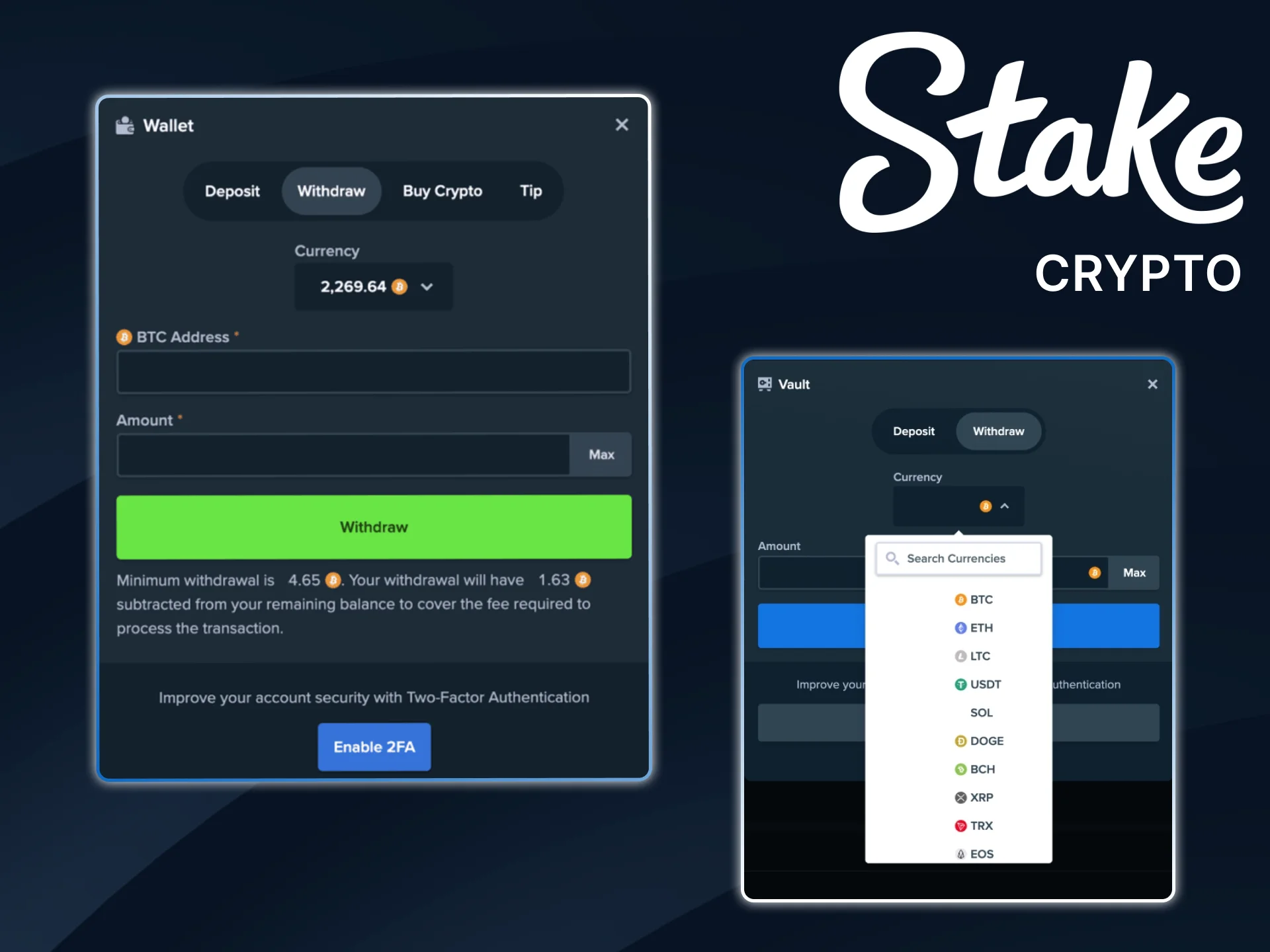
Cryptocurrency withdrawals allow players to transfer funds directly to an external wallet. Each transaction includes a Stake minimum withdrawal amount and a network fee deducted from the balance. Follow the steps below to complete a crypto payout.
- Verify your email address in the account settings before submitting a withdrawal request. Without email confirmation, payouts will not process.
- Open your Wallet and select the Withdraw option, then choose the cryptocurrency you want to transfer, such as USDT, BTC, or ETH.
- Select the correct blockchain network. For USDT, available options may include ERC20, BEP20, Polygon, or TRC20. Make sure the destination wallet supports the selected network.
- Enter the external wallet address carefully. Addresses may start with 0x (ERC20, BEP20, Polygon) or T (TRC20), depending on the network.
- Input the withdrawal amount, keeping in mind that a minimum limit and network fee apply.
- Confirm the transaction by entering your 2FA code, email verification code, or completing OAuth verification if your account uses Google or another social login.
After confirmation, the transaction will process through the blockchain network. If any issue occurs, contact customer support with the transaction details for assistance.
How to Use OAuth Verification for Fund Withdrawals?
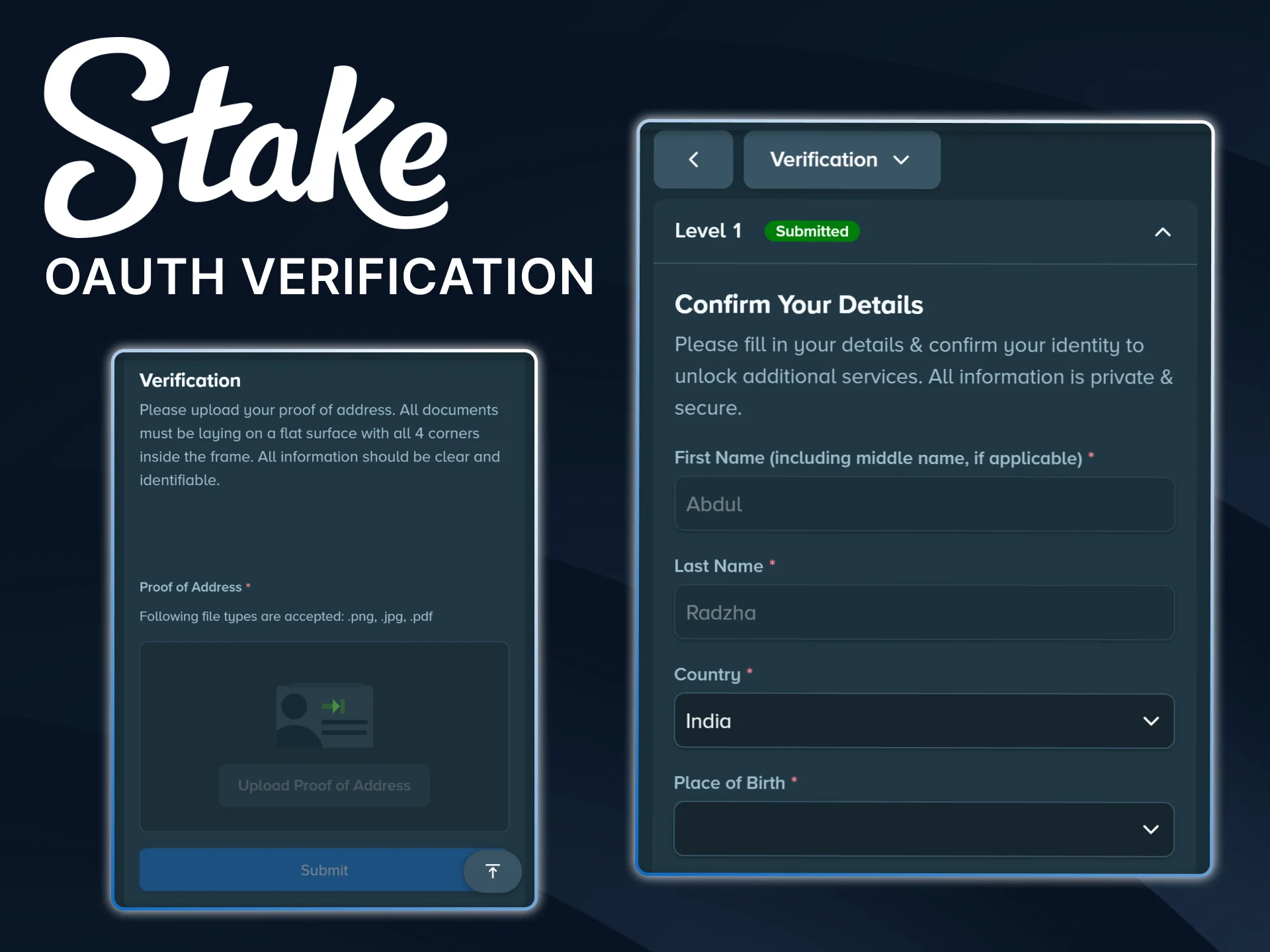
Players who completed registration through social platforms such as Google, Facebook, Line, or Twitch must complete OAuth verification before withdrawing funds. The system requires this extra confirmation step to protect account security and prevent unauthorized payouts.
After entering the withdrawal amount and destination wallet address, select the “Re-verify with Google/Facebook/Twitch/Line” option. Log in again through the chosen platform and confirm the request. Once verification is completed, proceed with selecting the cryptocurrency and finalizing the withdrawal. If any issues appear during this process, contact customer support for assistance.
Maximum and Minimum Stake Withdrawal Limits
Stake withdrawal limits depend on the selected cryptocurrency. There is no maximum withdrawal cap, which means you can transfer the full available balance from your account. The minimum withdrawal amount in Stake and the network fee vary by coin and are displayed in the Wallet section before confirmation. Below are the current minimum limits and fees for supported cryptocurrencies:
| Cryptocurrency | Minimum Withdrawal | Withdrawal Fee |
|---|---|---|
| BTC | 0.00002504 | 0.00001571 |
| ETH | 0.00100000 | 0.00067447 |
| LTC | 0.01857329 | 0.00013800 |
| USDT | 2.50000000 | 1.00000000 |
| DOGE | 5.49925970 | 0.52151198 |
| BCH | 0.00405806 | 0.00004000 |
| XRP | 1.00000000 | 0.00010000 |
| EOS | 1.87644594 | 0.10788480 |
| TRX | 7.82408913 | 0.07336170 |
| BNB | 0.00335730 | 0.00002542 |
| USDC | 2.50000000 | 1.00000000 |
| APE | 1.33849659 | 0.15500000 |
| CRO | 12.38101982 | 6.28000000 |
| DAI | 2.50000000 | 0.80000000 |
| LINK | 0.09825748 | 0.05296495 |
| SAND | 2.75329187 | 0.74800000 |
| SHIB | 78795.08659000 | 23941.65317000 |
| UNI | 0.13873145 | 0.00077163 |
| Polygon (POL) | 3.56742532 | 0.97322515 |
| SOL | 0.01050998 | 0.00000500 |
| TRUMP | 0.10000000 | 0.02500000 |
Always check the withdrawal screen before confirming the transaction, as network fees and limits may change. Cashouts are required to follow the deposit method originally used.
Mobile App Withdrawal
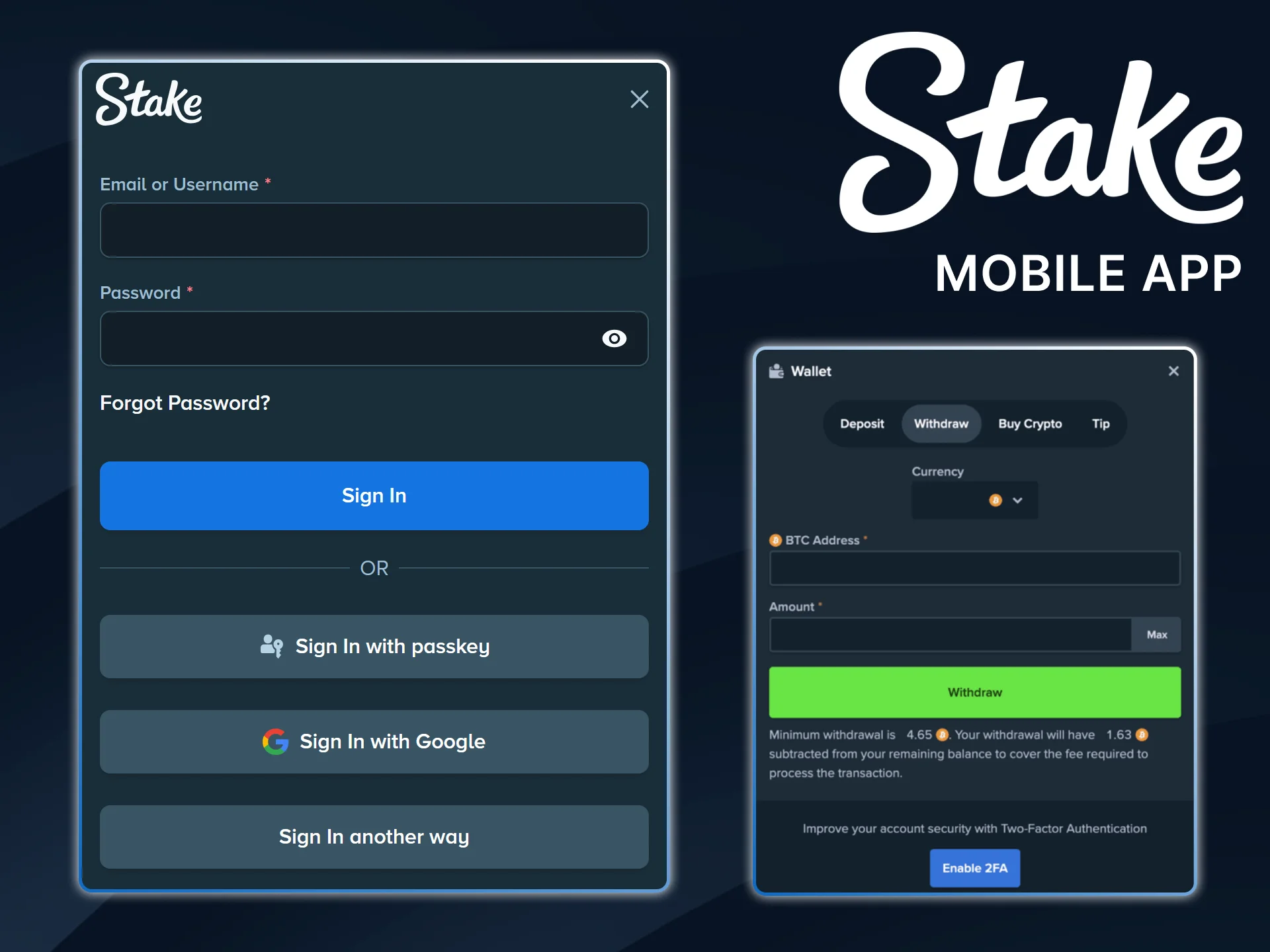
Withdrawing funds through the Stake app follows the same logic as the desktop version, but all actions take place inside the application. Before submitting a request, confirm that your email is verified and that any wagering requirements are completed.
- Open the app and log in, then tap the Wallet icon and select Withdraw.
- Choose the preferred cryptocurrency and select the correct blockchain network.
- Enter the destination wallet address and specify the withdrawal amount, keeping minimum limits and fees in mind.
- Confirm the request by entering your 2FA code or email verification code, then wait for blockchain confirmation.
Withdrawal Problems and Solutions on Stake
Withdrawal delays or errors may occur due to network issues or incorrect details. Cashouts are required to follow the deposit method originally used. For any payout-related questions, contact customer support through live chat and provide transaction information for faster review. Below are common withdrawal issues and recommended solutions.
| Problem | Possible Reason | Solution |
|---|---|---|
| Withdrawal pending for a long time | Blockchain network congestion | Wait for network confirmations and monitor transaction status |
| Incorrect wallet address entered | Typing error or wrong network selected | Always double-check the address and blockchain before confirming |
| Withdrawal rejected | Email not verified or security check incomplete | Verify email and complete required security steps |
| Amount below the minimum limit | Selected crypto has a higher minimum requirement | Check the minimum withdrawal amount in the Wallet section |
| 2FA or OAuth error | Incorrect code or expired session | Generate a new verification code and try again |
Enter the VIP Club and Enjoy Premium Rewards
The VIP Club rewards active players with higher bonuses and exclusive privileges based on their wagering level. Progress through different tiers unlocks increased rakeback, weekly and monthly bonuses, and level-up payments. Members also receive access to a dedicated VIP manager who assists with account-related requests and special rewards. Higher status in the program leads to improved benefits and personalized offers.

Join Our Affiliate Program
The affiliate program allows partners to earn commission from bets placed by referred players in the casino and sportsbook sections. Earnings update in real time, with payouts available in cryptocurrency and supported local currencies. Flexible commission plans help adjust revenue structure based on traffic and strategy. The partner dashboard includes detailed statistics and tracking tools for full control over performance and income.

FAQ
Do I need to complete verification before every withdrawal?
Identity verification is required once. After approval, future withdrawals may proceed without repeating the full process unless additional checks are requested.
Can I withdraw to a different crypto network than the one I used for deposit?
Yes, but the selected wallet must support the chosen network. Always confirm compatibility before submitting the request.
Are withdrawal fees fixed?
Network fees vary depending on the selected cryptocurrency and blockchain conditions. The exact Stake withdrawal fee appears before confirmation.
Is there a daily withdrawal limit?
There is no maximum withdrawal cap for crypto, but minimum limits apply for each coin. The available balance determines the maximum amount you can transfer.
What happens if my withdrawal is flagged for review?
Security checks may temporarily hold the request. In such cases, provide any requested documents or confirmation to complete the review process.
Updated: